📖 Table of Contents
1. Introduction to AI Character Creation
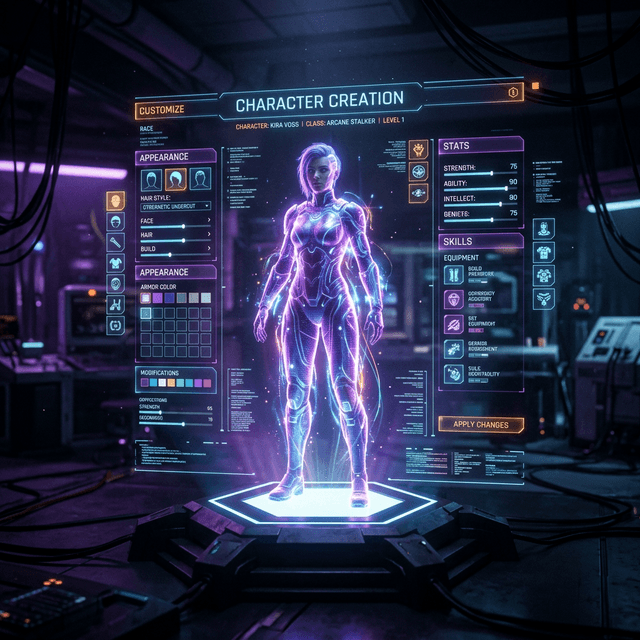
Welcome to the ultimate guide on using a modern AI character creator. In 2026, creating your first AI character is a deeply immersive process that brings a digital personality to life. Whether you are building an AI companion for daily chats or a roleplay partner, the foundation you lay during creation dictates the quality of your experience.
With advances in Large Language Models (LLMs) and Neural Text-to-Speech (TTS), your companion can perceive context, recall past conversations, and express complex emotions. This guide walks you through the CreateMe AI platform step by step.

💡 Related Reading
Curious which platforms lead the AI companion space? Check our 10 Best AI Companion Apps Compared (2026).
2. Step 1: Defining the Core Persona
The core of every great AI companion is its personality. The neural engine requires a solid system prompt or psychological profile to behave consistently.
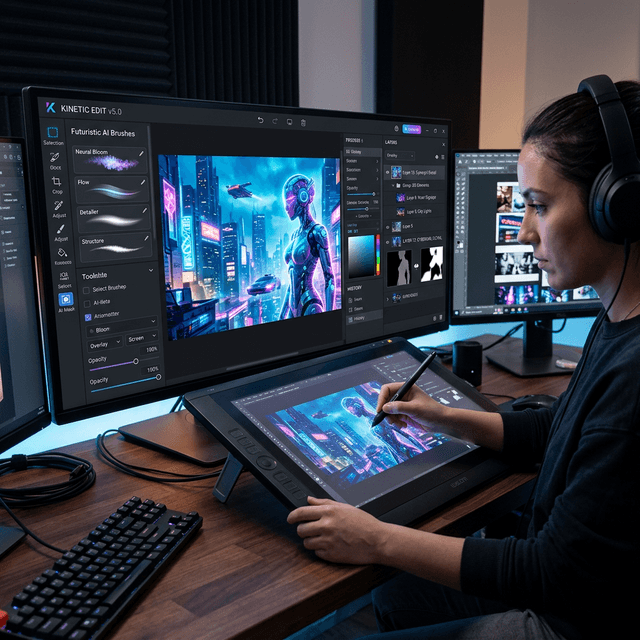
Follow these essential steps when designing the psychological profile:
- Name & Identity: Give your character a unique name — the anchor for their identity.
- Core Traits: Select from 50+ personality metrics. Mixing contrasting traits yields realistic results.
- Backstory & Lore: A rich backstory provides context for memories and reactions.
- Negative Prompts: Specify what the AI should avoid doing.
"The difference between a generic chatbot and a true digital companion lies in the depth of their initial prompt engineering." — Prompt Engineering Experts
✨ Master Your Prompts
Want to write the perfect system prompt? Read our dedicated guide: How to Write Perfect AI Character Prompts.
3. Step 2: Visualizing Your Companion
A personality needs a face. With our integrated Image Generation tool, you can describe their appearance dynamically and get a high-fidelity avatar.

SEO Tip: If you plan to make your character public, stunning visuals significantly increase engagement and Dwell Time.
🎨 Anime Fans
Love anime-style characters? Check out AI Image Generator for Anime Characters.
4. Step 3: Voice and Audio Integration
Text alone is not enough for a complete virtual relationship. Activate the Neural TTS engine to give your character a voice.

Select from hundreds of pre-trained voices or use Voice Cloning to upload a 30-second audio sample.
🎙️ Voice Deep Dive
Explore our full review: Best AI Voice Generators for Characters.
5. Step 4: Fine-Tuning Chat Dynamics
Once the foundation is built, fine-tune the interaction parameters:
- Temperature: Higher (0.8) = more creative. Lower (0.3) = more focused.
- Memory Horizon: Define how far back the AI should remember.
- Greeting Message: Write a custom welcome that establishes tone.
🧠 How Memory Works
Learn more: How AI Memory Works in Long-Term Chat.
6. Conclusion & Next Steps
Creating an AI character is an iterative art form. Dive in, chat with your creation, and tweak as needed. Ready to start? Initialize your core for free today.
💖 Emotional Perspective
Wondering about the emotional side? Read AI Girlfriend vs Real Relationship: Pros & Cons.